
Score: 20 points
Goal: Create a book cover using a combination of Photoshop and Indesign.
- Download this book cover template and place it in an InDesign file that is 12 inches wide and 9 inches tall. Book cover template (pdf)
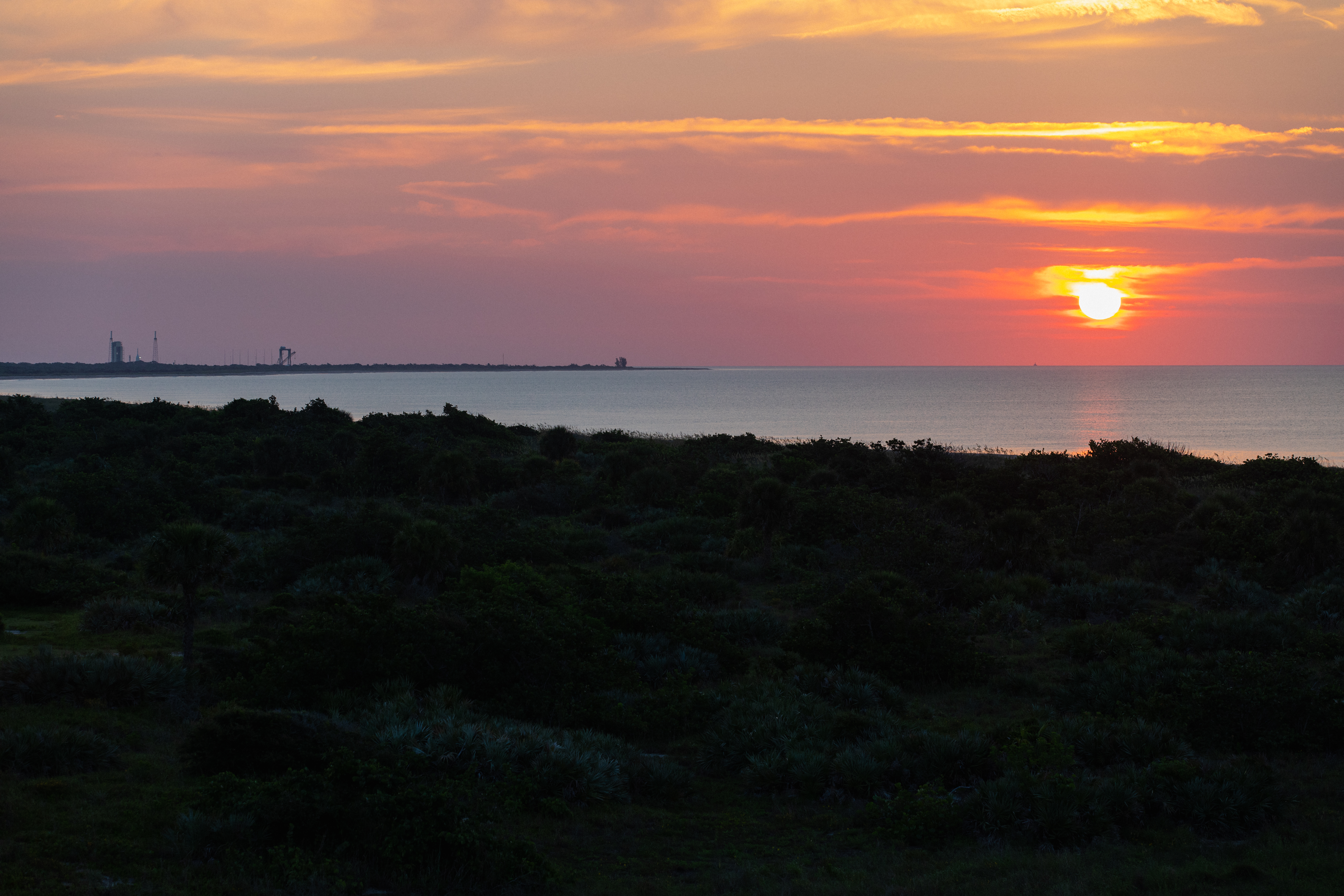
2. Place the photo over the front AND back cover, that is, the entire book cover template.
Create several versions of a book cover with options for 3 photos and two different type faces. Export these as pngs and display them on your web site in a gallery with clickable closeups.
3. Be sure to stretch the photo over both the front AND back parts of the book cover. Also isolate and add the ISBN number from the template to the back cover. (Feel free to use other public domain photos from NASA, US Fish & Wildlife Service or other government agencies).
The text should be in SERIF font, color white with a duplicate underlying layer in black offset for a few points in order to give contrast.
Text:
Poetry for Posterity
A book of verse by Lin Best and W. K. Jones
“This is the most inspiring poetry since Khalil Gibran.” — W.B. Yeats
Illustrations:




.