
If you have a free WordPress.com account, you will not be able to upload your A\V files directly unless you upgrade. But that’s not the best strategy for sharing A\V work anyway.
The best strategy for sharing an A\V podcast or video on the web is:
- Save your A\V file in the right format. For audio and podcasts see this link, for video see this link.
- Create a free account on YouTube, SoundCloud or some other audio or video sharing platform, then upload your work (in the right format) to that platform.
- Now open a new WordPress post or page and embed a link.
There are two ways to embed a podcast link on your page:
1. In WordPress.com, just click on the little black cross to “add a block” to your page. The kind of block can be a video (YouTube) or audio link (SoundCloud). Just copy the basic URL link from your Soundcloud or YouTube file, open the appropriate embed tag, and paste it in:
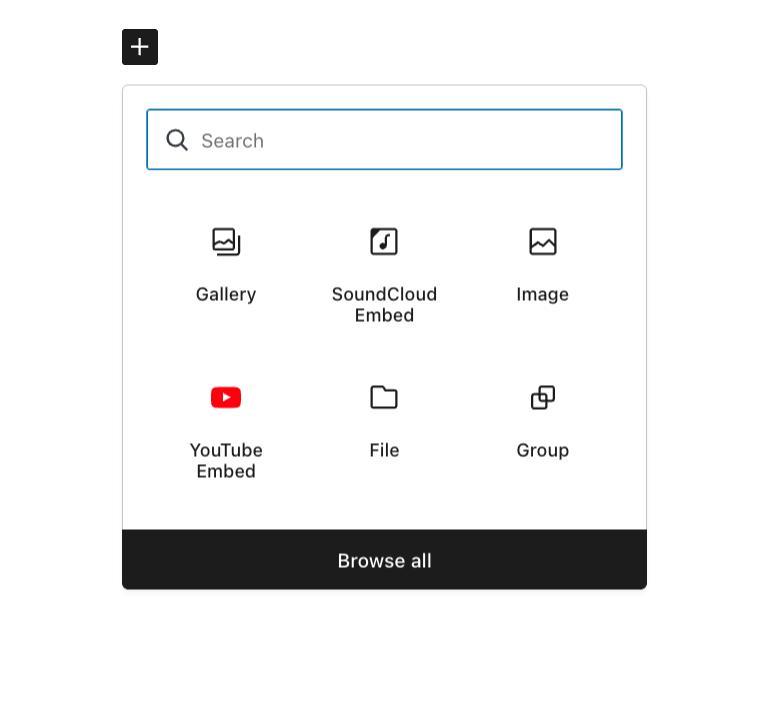
Block icons
If you don’t see the Soundcloud or YouTube block icon, you can search for it.
Here’s what the page looks like when the link has been inserted through the block icon.
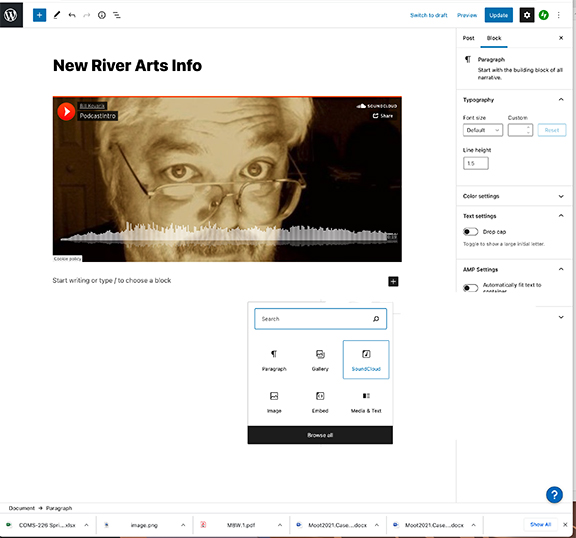
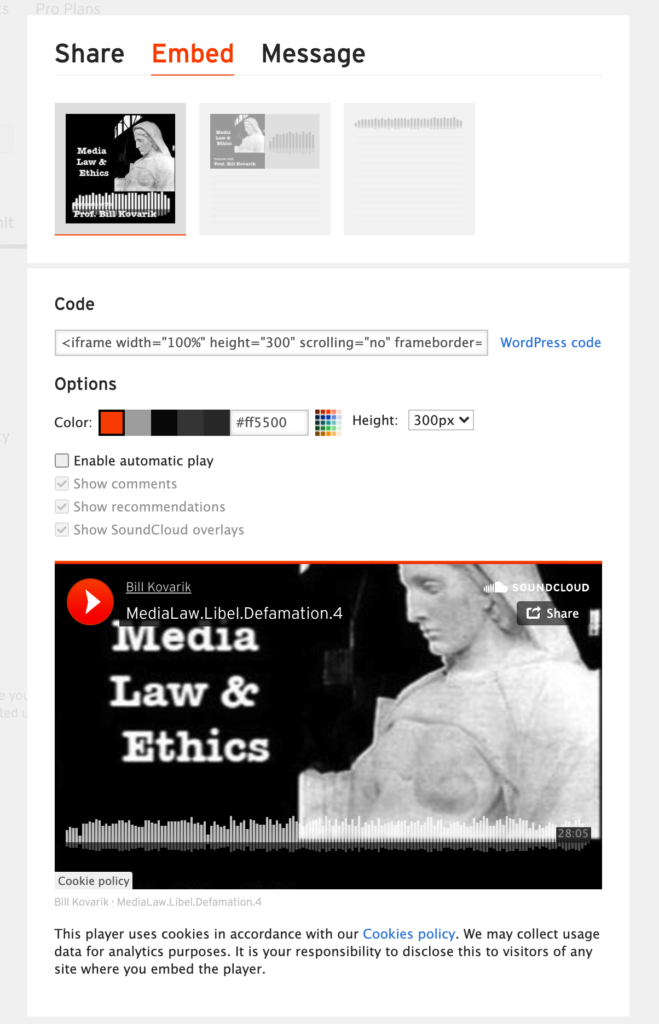
2. Another way that gives you more control over the size of the unit on the page is to click on the “share” button in the YouTube, Audio.com or Soundcloud upload window and pick up the <iframe> tags or the WordPress codes and paste them into the TEXT side of your WordPress page or post. (This doesn’t work for WordPress.com, by the way).
Notice here we can specify a frame height of “300” pixels:
Here is the embedded Soundcloud file on a web page.
And here is the same type of file linked from Audio.com.
3. An alternative is to upload the sound files directly to a web site, as you see here.
Starting your own podcast — NPR
Professional sound from a DIY studio – NPR
Podcast hosting platforms review
Audacity – the free audio editing software.